
Best Hubstaff Alternative
Monitoring tools track activity. Elevate365 tracks output.
Stop tracking screenshots and activity. Start tracking real work completed with Elevate365.
The Difference
| Feature | Hubstaff | Elevate365 |
|---|---|---|
| Tracks Time | ✓ | ✓ |
| Tracks Screenshots | ✓ | ✕ |
| Tracks Completed Work | ✕ | ✓ |
| Expected vs Actual | ✕ | ✓ |
| Measures Productivity | ✕ | ✓ |
Same Hours. Different Results. Here’s Why
Why two employees working the same hours can deliver completely different results
Why teams move from Hubstaff to productivity tracking
Many teams use Hubstaff to understand time and activity, but that still leaves an important question unanswered: what was actually achieved?
If managers want to improve output, efficiency, and coaching, they need more than screenshots and time logs.
Elevate365 helps businesses move beyond monitoring and into true performance visibility by measuring completed work against expected time.
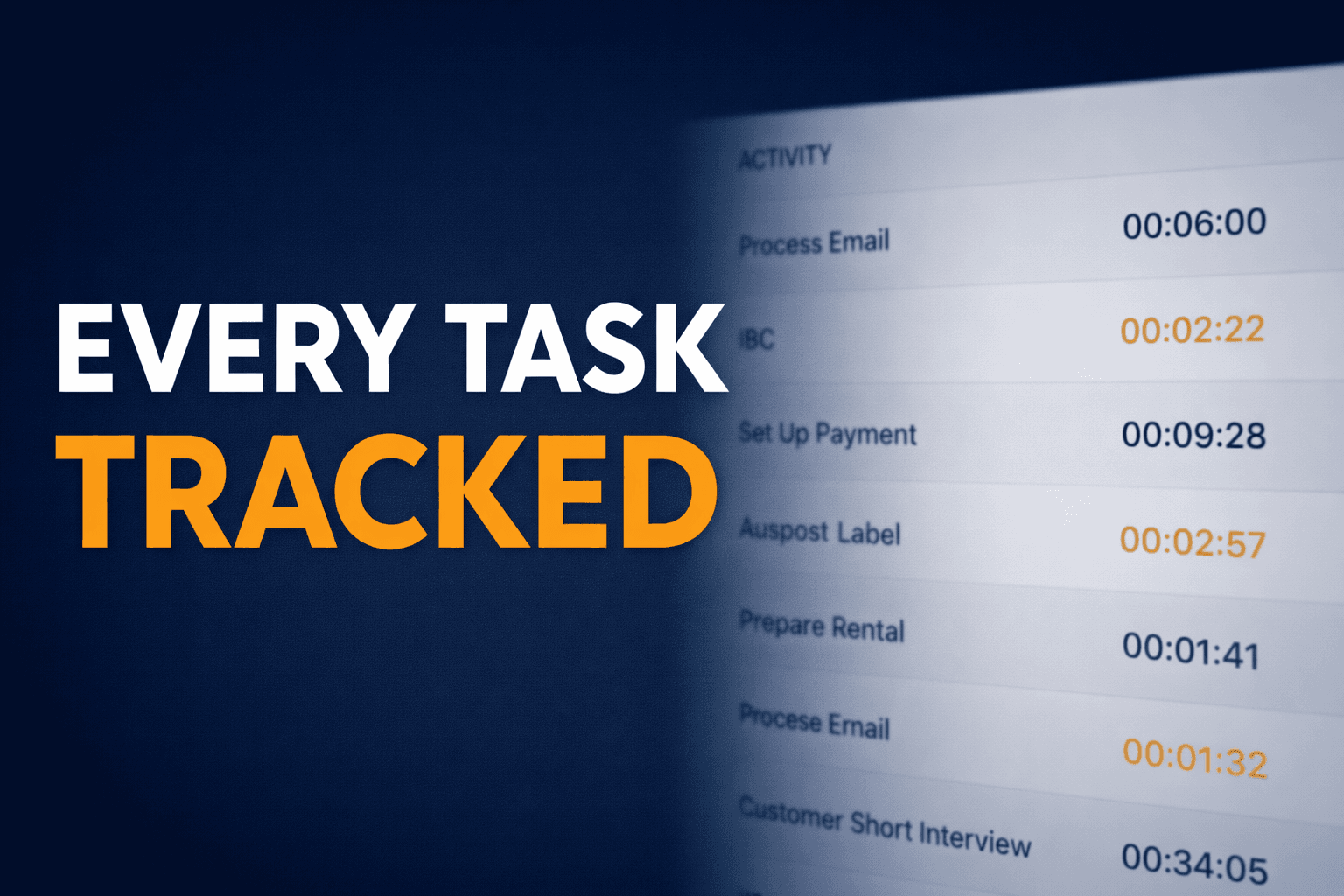
See Exactly What's Getting Done
Why Teams Choose Elevate365 Over Hubstaff
No Surveillance Needed
No screenshots or tracking activity — just real output.
Measure What Matters
Focus on completed work and performance outcomes.
Better Visibility
Understand exactly what your team is delivering.
Frequently Asked Questions
Is Elevate365 a good alternative to Hubstaff?
Yes. Elevate365 is a strong alternative for teams that want to measure output and productivity rather than only monitor activity.
Does Elevate365 use screenshots like Hubstaff?
No. Elevate365 focuses on work completed and expected vs actual performance, not screenshots.
What is the main difference between Hubstaff and Elevate365?
Hubstaff focuses more on activity and time tracking, while Elevate365 focuses on productivity, completed work, and performance visibility.
Ready to Track Real Productivity?
Join teams who've moved beyond time tracking and started measuring what matters.